Upload without waiting
Large files go straight to object storage with resumable multipart support and live status checks.
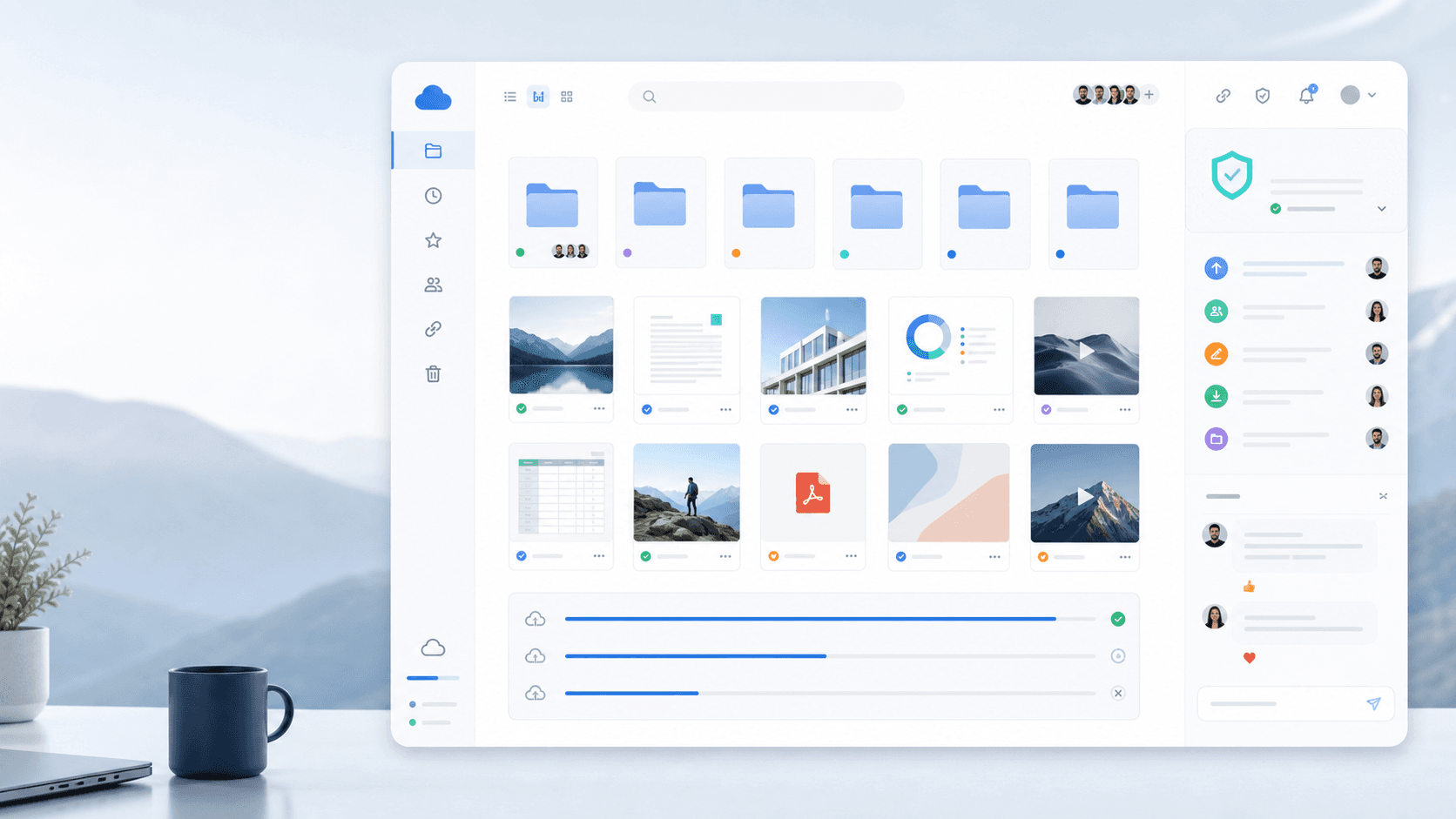
Private drive for modern teams
A calm, fast workspace for files, versions, comments, secure links, and automation. Built on Cloudflare R2 with privacy-first defaults.
10 GB
free beta storage
R2
direct object uploads
API
SDK and MCP ready
Direct uploads
less server load
Scan controls
quarantine-ready
Version history
recover fast
Open interfaces
SDK + MCP
What feels different
myfoldr is designed around the daily file loops teams repeat most: upload, find, share, review, recover, automate. The interface is simple, but the platform underneath is ready for real operations.
Large files go straight to object storage with resumable multipart support and live status checks.
Search across file metadata and extracted content so old documents are not buried forever.
Keep lightweight review notes on files instead of scattering decisions across chat threads.
Use expiring public links, per-user access, password lockouts, audit trails, and revocation.
Versions, trash, restore flows, and permanent delete controls give teams room to make mistakes.
Typed SDKs, scoped API keys, webhooks, and MCP access fit into internal tools and agents.
Daily workflow
The best drive clone is not a pile of buttons. It is a fast route through the work people already have: capture, organize, review, share, recover, and automate when the pattern repeats.
01
Drag in assets, folders, scans, and work-in-progress files without turning storage into a chore.
02
Invite collaborators, send controlled links, and keep file comments near the asset.
03
Use webhooks, scoped API keys, and MCP access for back office flows, AI tools, and sync jobs.
Trust console
Workspace isolation
Tenant-aware data boundaries and origin controls.
Auditability
Every sensitive action can leave a trail for admins.
Download protection
Infected or flagged files can be blocked before access.
Data rights
GDPR export and erase flows are built into the product.
Privacy posture
The landing page can look friendly without pretending files are casual. myfoldr keeps the security language clear and backs it with the controls admins expect: access scopes, audit logs, export, erase, scan integration, and password lockout protection.
Beta access
Paid tiers will be announced before they go live. For now, the beta is simple: every core workflow is included, and no credit card is required.
Beta workspace
Free during beta
FAQ
On Cloudflare R2, an S3-compatible object store. Direct uploads are available when configured; encrypted files are streamed through the service for decryption.
Only you and the people you explicitly share with. Workspaces are isolated, shares can be revoked, and admins get audit visibility.
Yes. Export gives you a zip of files plus a JSON manifest for folders, versions, and shares. Erase flows live alongside export.
Yes. myfoldr includes a typed TypeScript SDK, scoped API keys, webhooks, and an MCP server for tool and agent workflows.
Email [email protected]. We answer every message and prioritize beta feedback that improves reliability, sharing, and search.
Create a workspace in under a minute. Bring files when you are ready.